RODE Caster Pro II Connecting Callers and Online Guests
Connecting Callers and Online Guests
Connecting USB-C Devices
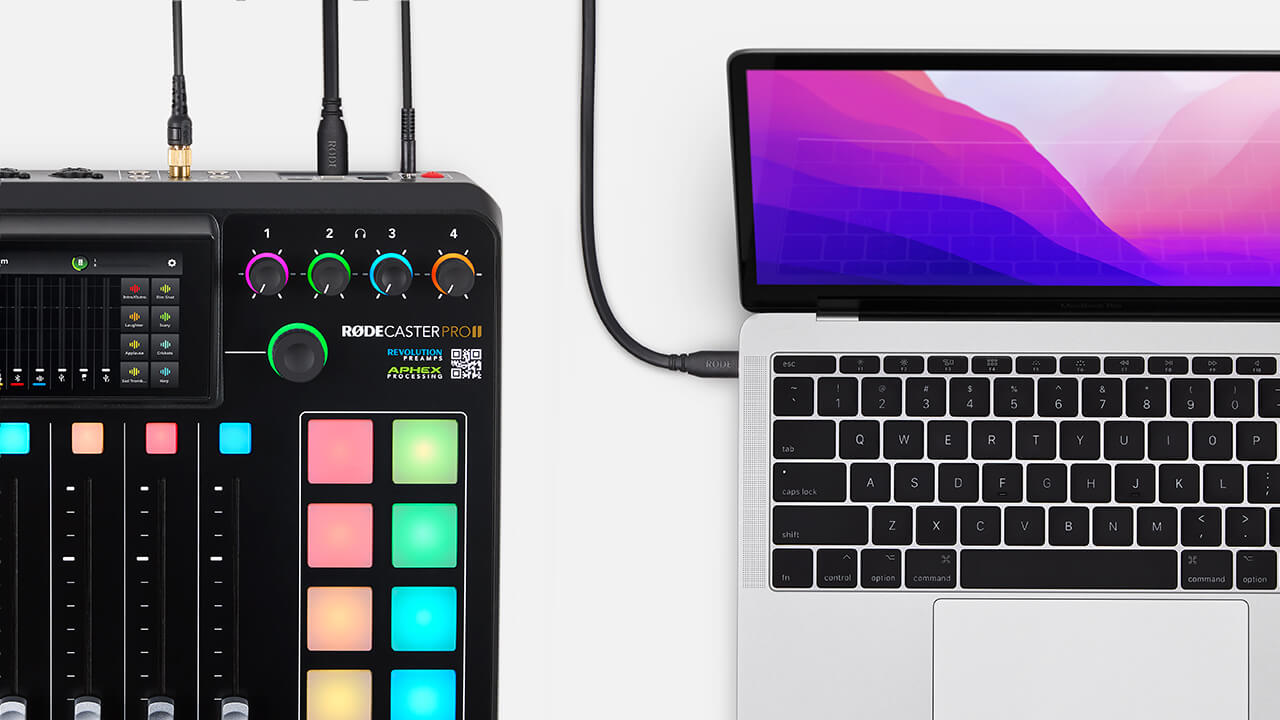
The RØDECaster Pro II features two USB-C connectors on the back of the unit. These are independent USB interfaces, allowing you to connect two computers or mobile devices simultaneously.
Use the supplied USB-C to USB-C cable to connect your device to the unit. If your device does not have a USB-C connector, you will need to use a different cable (see below). Whilst USB 2 can be used to connect any USB-C device, it is specifically optimised
Connecting USB-A Devices
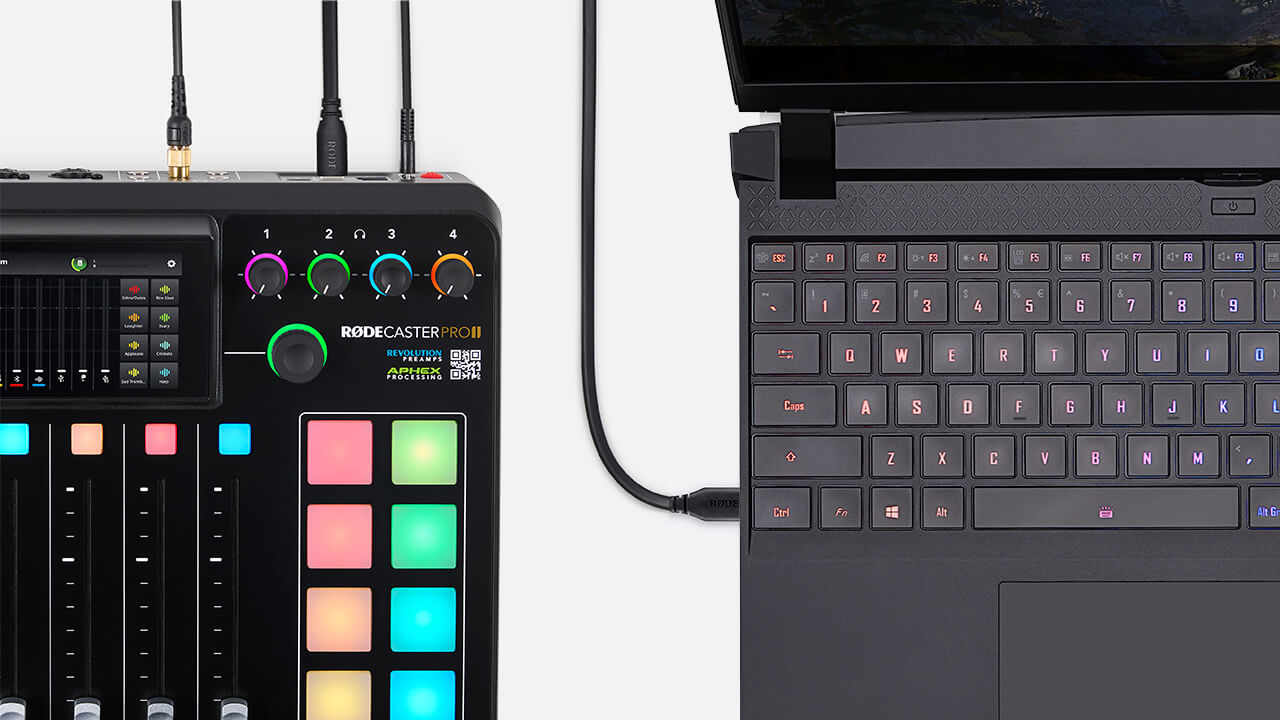
If your device has a USB-A connector, you will need to use a USB-C to USB-A cable such as the RØDE SC18 to connect it to the RØDECaster Pro II.
Connecting iOS devices
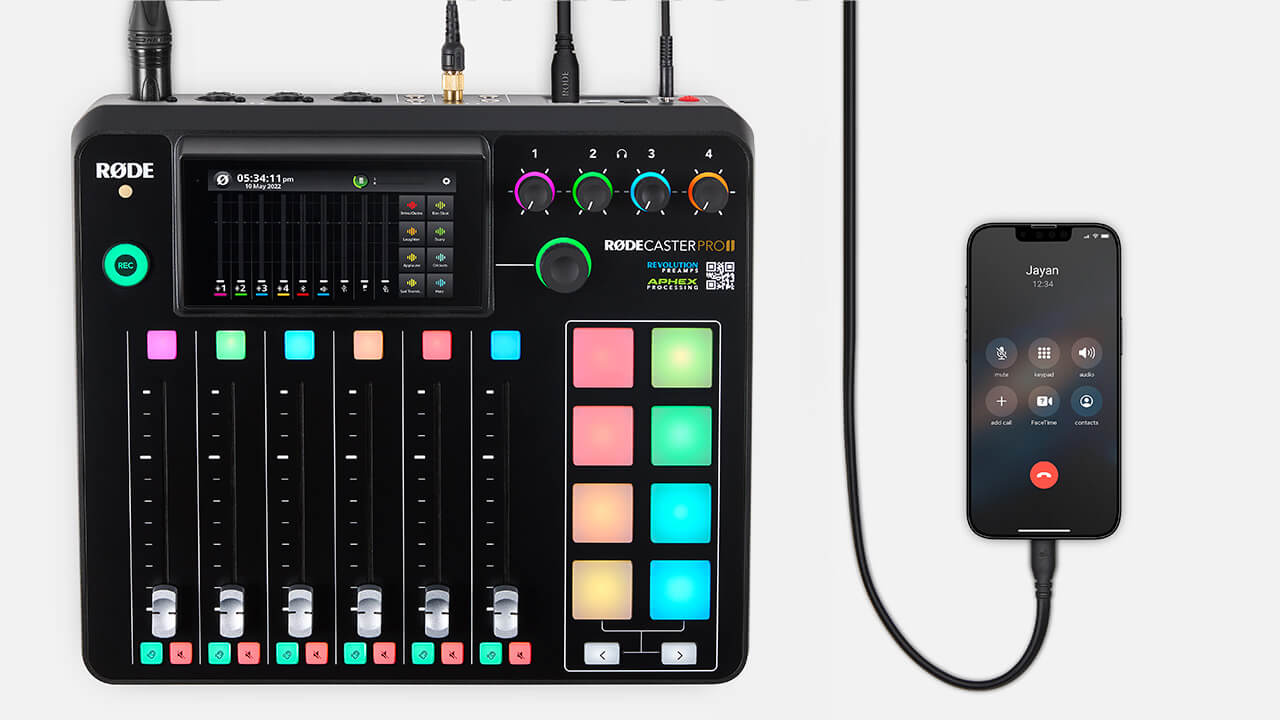
The RØDECaster Pro II is MFi-certified for seamless interaction with iOS devices (including iPhones and iPads).
If your iOS device has a Lightning connector, you will need to use a Lightning Accessory Cable, such as the RØDE SC15 or SC19. Connect your device to USB 2 and ensure mix-minus is turned on in the USB 2 channel settings when making remote calls.
Connecting USB-C Devices
The RØDECaster Pro II features two USB-C connectors on the back of the unit. These are independent USB interfaces, allowing you to connect two computers or mobile devices simultaneously.
Use the supplied USB-C to USB-C cable to connect your device to the unit. If your device does not have a USB-C connector, you will need to use a different cable (see below). Whilst USB 2 can be used to connect any USB-C device, it is specifically optimised
Connecting USB-A Devices
If your device has a USB-A connector, you will need to use a USB-C to USB-A cable such as the RØDE SC18 to connect it to the RØDECaster Pro II.
Connecting iOS devices
The RØDECaster Pro II is MFi-certified for seamless interaction with iOS devices (including iPhones and iPads).
If your iOS device has a Lightning connector, you will need to use a Lightning Accessory Cable, such as the RØDE SC15 or SC19. Connect your device to USB 2 and ensure mix-minus is turned on in the USB 2 channel settings when making remote calls.
Pino Roots & The Midnite Blues © 2026 | Music Lab Learning & Self-Study Archive!


Comentarios
Publicar un comentario