RODE Caster Pro II Connecting a Device via Bluetooth
Connecting a Device via Bluetooth
The RØDECaster Pro II features advanced Bluetooth connectivity with wide-band speech for making high-quality phone or video calls with a mobile device or computer.
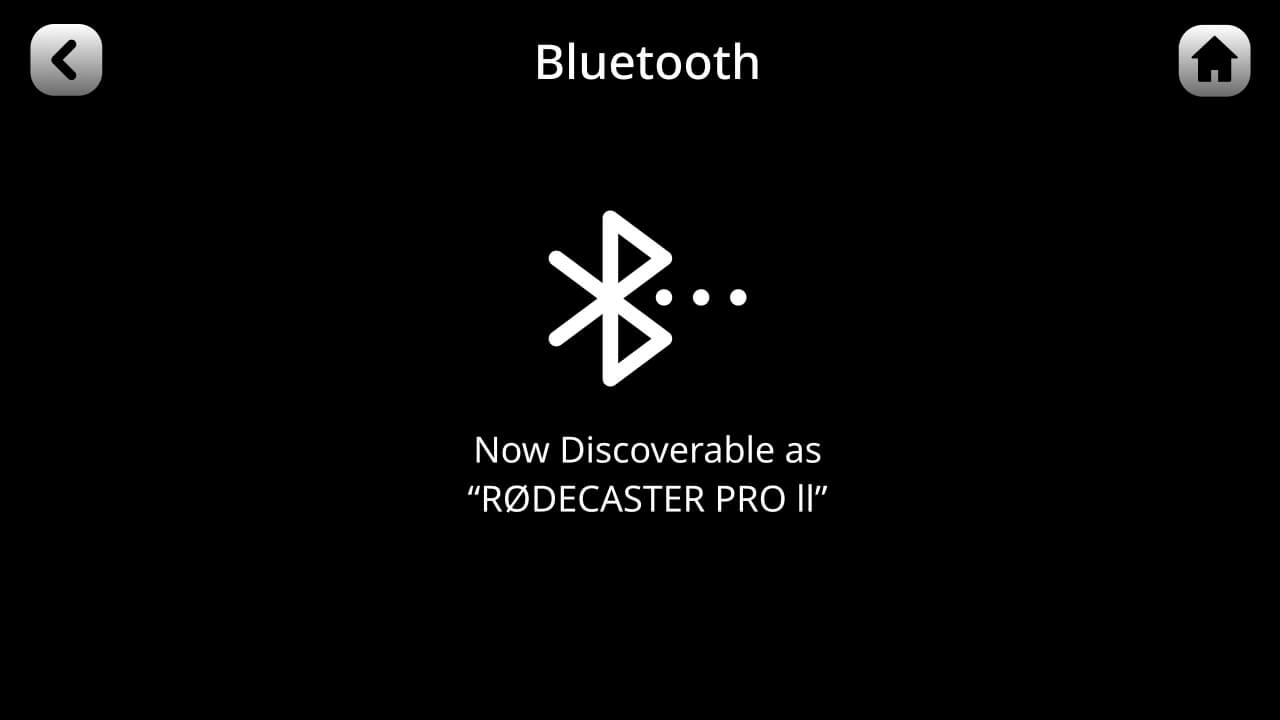
To connect your device to the RØDECaster Pro II via Bluetooth, tap the setting cog then ‘System’ > ‘Bluetooth’. When this page is open, the RØDECaster Pro II will be discoverable to all Bluetooth devices within range. Then simply open the Bluetooth settings on your device, select the RØDECaster Pro II and follow the prompts to pair.
Once connected, you will need to assign the Bluetooth channel to its own fader on the RØDECaster Pro II. See the section on 'Setting Up and Assigning Channels' for more information. Now when you make a call using your device, the audio from the RØDECaster Pro II will be heard by the caller and the audio from your device will be routed to the Bluetooth channel.
The RØDECaster Pro II features advanced Bluetooth connectivity with wide-band speech for making high-quality phone or video calls with a mobile device or computer.
To connect your device to the RØDECaster Pro II via Bluetooth, tap the setting cog then ‘System’ > ‘Bluetooth’. When this page is open, the RØDECaster Pro II will be discoverable to all Bluetooth devices within range. Then simply open the Bluetooth settings on your device, select the RØDECaster Pro II and follow the prompts to pair.
Once connected, you will need to assign the Bluetooth channel to its own fader on the RØDECaster Pro II. See the section on 'Setting Up and Assigning Channels' for more information. Now when you make a call using your device, the audio from the RØDECaster Pro II will be heard by the caller and the audio from your device will be routed to the Bluetooth channel.
Pino Roots & The Midnite Blues © 2026 | Music Lab Learning & Self-Study Archive!


Comentarios
Publicar un comentario