RODE Caster Pro II Listening to your Recordings
Listening to your Recordings
You can play back your recordings directly from the RØDECaster Pro II. To access your recordings, press the ‘Show’ icon at the top left of the home screen, then click the ‘Recordings’ icon. A list of your recordings will be displayed. To access a recording, tap on it. To play back your recording, tap on the ‘play’ icon.
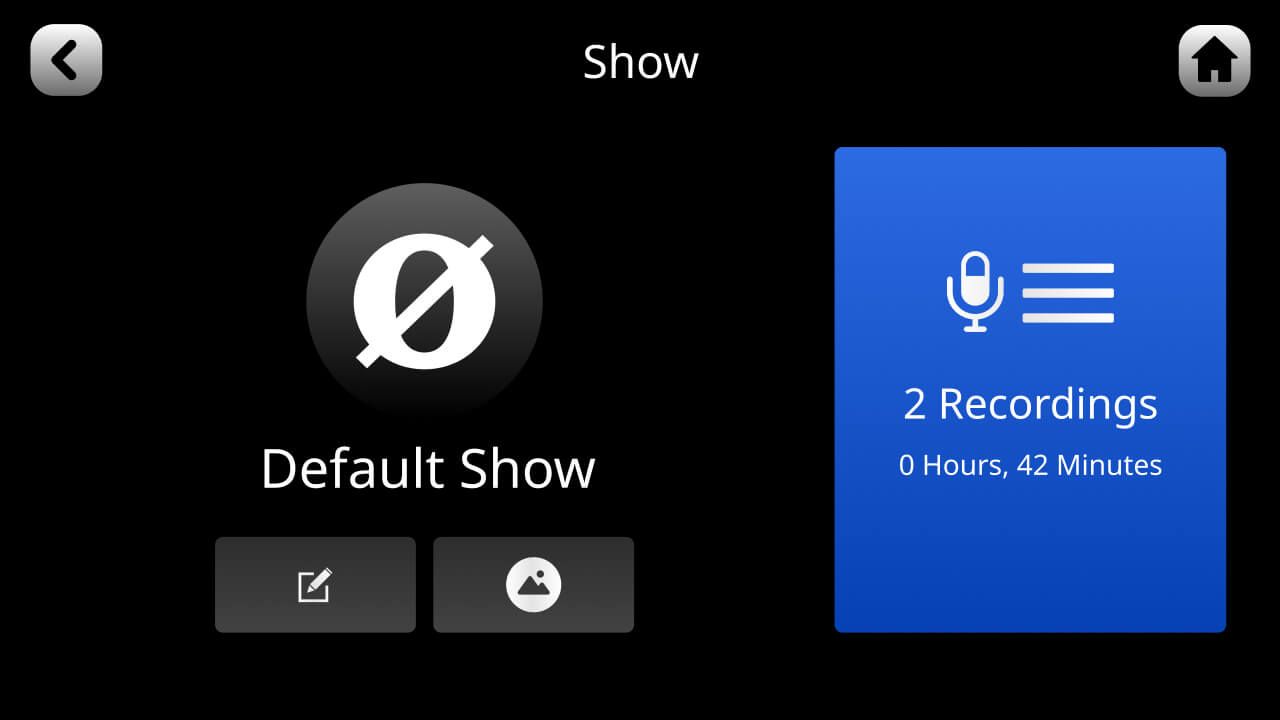
You can play back your recordings directly from the RØDECaster Pro II. To access your recordings, press the ‘Show’ icon at the top left of the home screen, then click the ‘Recordings’ icon. A list of your recordings will be displayed. To access a recording, tap on it. To play back your recording, tap on the ‘play’ icon.
Pino Roots & The Midnite Blues © 2026 | Music Lab Learning & Self-Study Archive!


Comentarios
Publicar un comentario