RODE Caster Pro II Mix-minus for the USB Outputs
Mix-minus for the USB Outputs
If you are using a USB channel for making a remote call via either a mobile device or a communications app on a computer, we recommend activating mix-minus on that channel.
This is a handy feature that means that the communications app will receive all of the audio that is coming into the RØDECaster Pro II except its own.
This prevents echo on your calls, as your caller will hear everything but their own voice being piped back to them, which is very distracting (especially as it will be somewhat delayed).
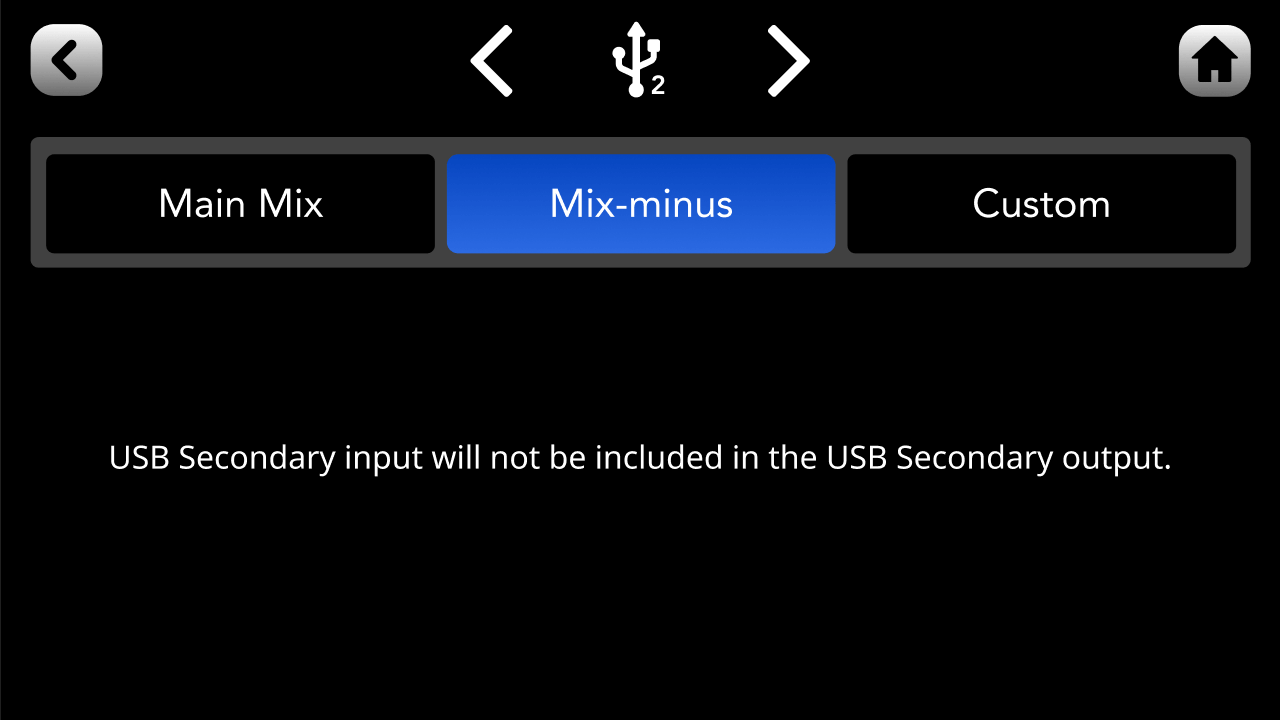
To activate this, either go to the channel set-up screen for the USB channel you want to configure and tap ‘Routing’ > ‘Mix-minus’, or go to settings then ‘Outputs’ > ‘Routing’ > ‘Mix-minus’.
Note: Mix-minus is activated by default on USB Chat and USB 2.
If you are using a USB channel for making a remote call via either a mobile device or a communications app on a computer, we recommend activating mix-minus on that channel.
This is a handy feature that means that the communications app will receive all of the audio that is coming into the RØDECaster Pro II except its own.
This prevents echo on your calls, as your caller will hear everything but their own voice being piped back to them, which is very distracting (especially as it will be somewhat delayed).
To activate this, either go to the channel set-up screen for the USB channel you want to configure and tap ‘Routing’ > ‘Mix-minus’, or go to settings then ‘Outputs’ > ‘Routing’ > ‘Mix-minus’.
Note: Mix-minus is activated by default on USB Chat and USB 2.
Pino Roots & The Midnite Blues © 2026 | Music Lab Learning & Self-Study Archive!


Comentarios
Publicar un comentario