RODE Caster Pro II Monitor Output Settings
RODE Caster Pro II Monitor Output Settings
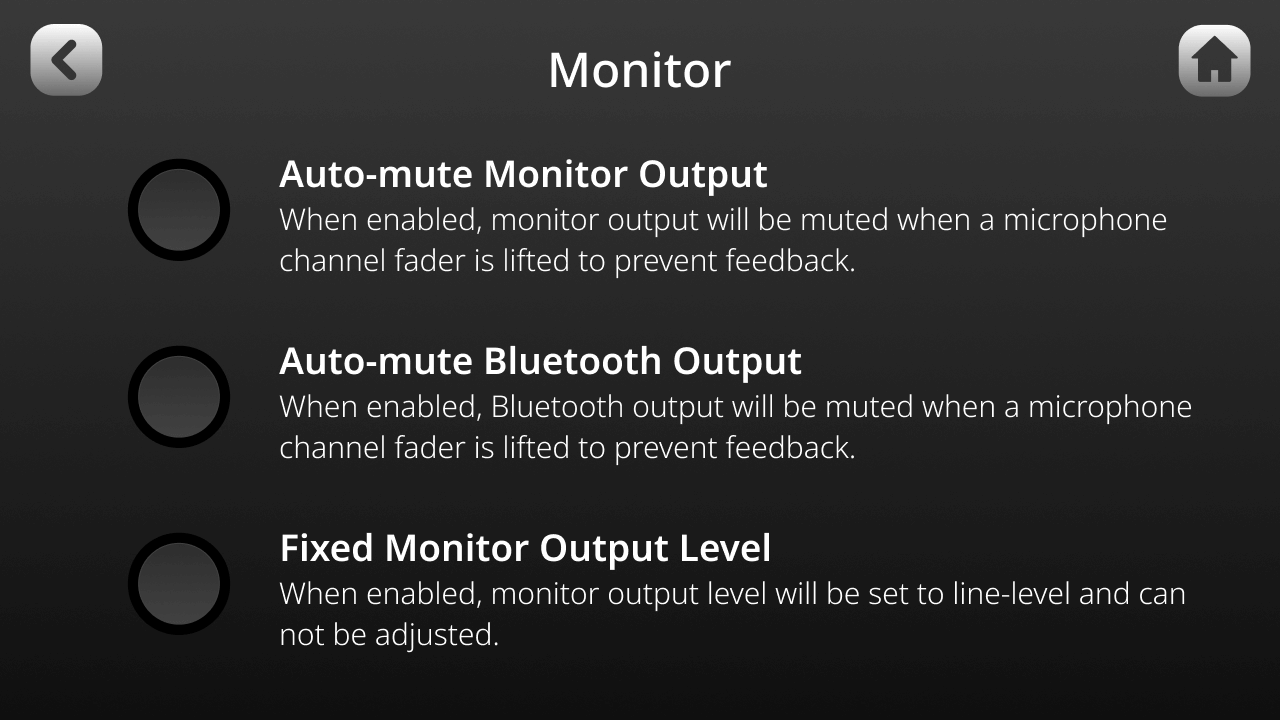
Monitor Output Settings
You can access two additional settings for the monitor outputs by tapping the settings cog, then ‘Outputs’ > ‘Monitor’.
Auto-mute Output
When enabled, the monitor output will automatically be muted whenever a microphone channel fader is turned up in order to prevent feedback.
Auto-mute Bluetooth Output
When enabled, the Bluetooth output will be muted when a microphone channel fader is lifted to prevent feedback.
Fixed Output Level
When enabled, the monitor output level will be set to line-level and cannot be adjusted. This is useful if you are using the monitor outputs to send audio to outboard equipment, such as broadcast or livestreaming equipment, and want to ensure that your levels aren’t too high or low.
Connecting Microphones, Instruments and Other Devices
The RØDECaster Pro II features four high-quality Neutrik™ combo jacks for plugging in microphones, instruments (such as guitars and basses), and line-level devices like keyboards and drum machines. In this section, we’ll show you how to connect these devices and get them set up for recording.
Monitor Output Settings
You can access two additional settings for the monitor outputs by tapping the settings cog, then ‘Outputs’ > ‘Monitor’.
Auto-mute Output
When enabled, the monitor output will automatically be muted whenever a microphone channel fader is turned up in order to prevent feedback.
Auto-mute Bluetooth Output
When enabled, the Bluetooth output will be muted when a microphone channel fader is lifted to prevent feedback.
Fixed Output Level
When enabled, the monitor output level will be set to line-level and cannot be adjusted. This is useful if you are using the monitor outputs to send audio to outboard equipment, such as broadcast or livestreaming equipment, and want to ensure that your levels aren’t too high or low.
Connecting Microphones, Instruments and Other Devices
The RØDECaster Pro II features four high-quality Neutrik™ combo jacks for plugging in microphones, instruments (such as guitars and basses), and line-level devices like keyboards and drum machines. In this section, we’ll show you how to connect these devices and get them set up for recording.
Pino Roots & The Midnite Blues © 2026 | Music Lab Learning & Self-Study Archive!


Comentarios
Publicar un comentario