RODE Caster Pro II Selecting the Main USB Device on your Computer
Selecting the Main USB Device on your Computer
The RØDECaster Pro II features three USB audio devices that your computer will recognise. The USB 1 output has two USB devices called ‘RØDECaster Pro II Main’ and ‘RØDECaster Pro II Chat’. The USB 2 output will be recognised as ‘RØDECaster Pro II Secondary’.
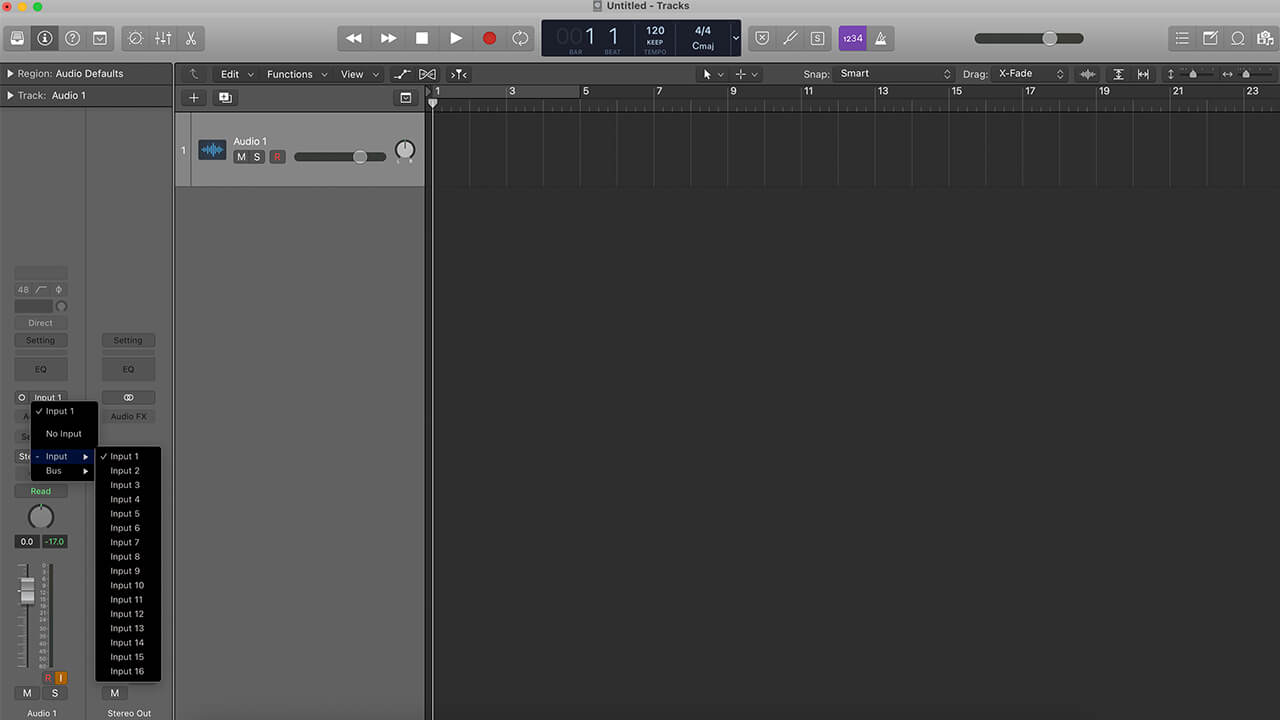
We recommend using the ‘RØDECaster Pro II Main’ (USB 1) for recording your production, as this is the only device that can be configured as a multitrack device. Make sure you select the ‘RØDECaster Pro II Main’ device as your input either in your computer control panel or in the devices section of you recording software or DAW.
The RØDECaster Pro II features three USB audio devices that your computer will recognise. The USB 1 output has two USB devices called ‘RØDECaster Pro II Main’ and ‘RØDECaster Pro II Chat’. The USB 2 output will be recognised as ‘RØDECaster Pro II Secondary’.
We recommend using the ‘RØDECaster Pro II Main’ (USB 1) for recording your production, as this is the only device that can be configured as a multitrack device. Make sure you select the ‘RØDECaster Pro II Main’ device as your input either in your computer control panel or in the devices section of you recording software or DAW.
Pino Roots & The Midnite Blues © 2026 | Music Lab Learning & Self-Study Archive!


Comentarios
Publicar un comentario