RODE Caster Pro II Setting Up Your SMART Pads
Setting Up Your SMART Pads
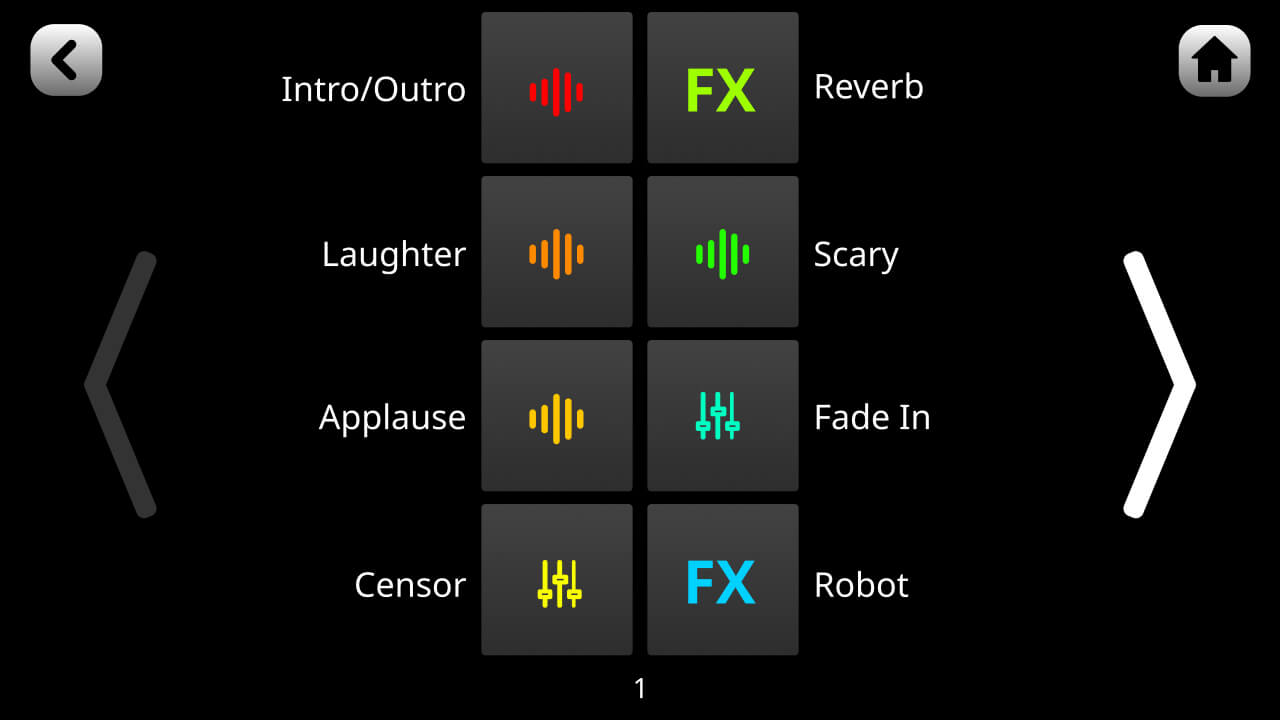
To set up a SMART pad, either tap the pad icon from the main screen or tap the settings cog then ‘SMART Pads’ to access the pad menu. Then either tap an empty pad slot or an existing pad and then ‘Clear’ to clear the pad.
There are four different SMART pad categories: ‘Sound’, ‘Effects’, ‘Mixer’ and ‘Trigger’.
Within each of these different categories there is a range of different functions that the pad can perform, which are covered below.
Using the SMART Pads to Trigger Sounds
When in ‘Sound’ mode, audio can be assigned to pads and will play when the pad is pressed. Audio can be loaded onto or recorded directly to the pads and played back in different ways. This is useful for firing off stings, intro or outro music, sound effects, pre-recorded interviews or other content during a podcast or livestream, or any other application where you need to trigger audio with instant playback.
The RØDECaster Pro II has 4GB of internal storage.
To set up a SMART pad, either tap the pad icon from the main screen or tap the settings cog then ‘SMART Pads’ to access the pad menu. Then either tap an empty pad slot or an existing pad and then ‘Clear’ to clear the pad.
There are four different SMART pad categories: ‘Sound’, ‘Effects’, ‘Mixer’ and ‘Trigger’.
Within each of these different categories there is a range of different functions that the pad can perform, which are covered below.
Using the SMART Pads to Trigger Sounds
When in ‘Sound’ mode, audio can be assigned to pads and will play when the pad is pressed. Audio can be loaded onto or recorded directly to the pads and played back in different ways. This is useful for firing off stings, intro or outro music, sound effects, pre-recorded interviews or other content during a podcast or livestream, or any other application where you need to trigger audio with instant playback.
The RØDECaster Pro II has 4GB of internal storage.
Pino Roots & The Midnite Blues © 2026 | Music Lab Learning & Self-Study Archive!


Comentarios
Publicar un comentario