RODE Caster Pro II Switching Between Stereo and Multitrack Recording Mode
Switching Between Stereo and Multitrack Recording Mode
By default, ‘RØDECaster Pro II Main’ (USB 1) is configured to output the main stereo mix (all of your audio inputs mixed together). To activate multitrack recording via USB, go to settings then ‘Outputs’ > ‘Multitrack’ > ‘USB’ and deselect ‘Off’.
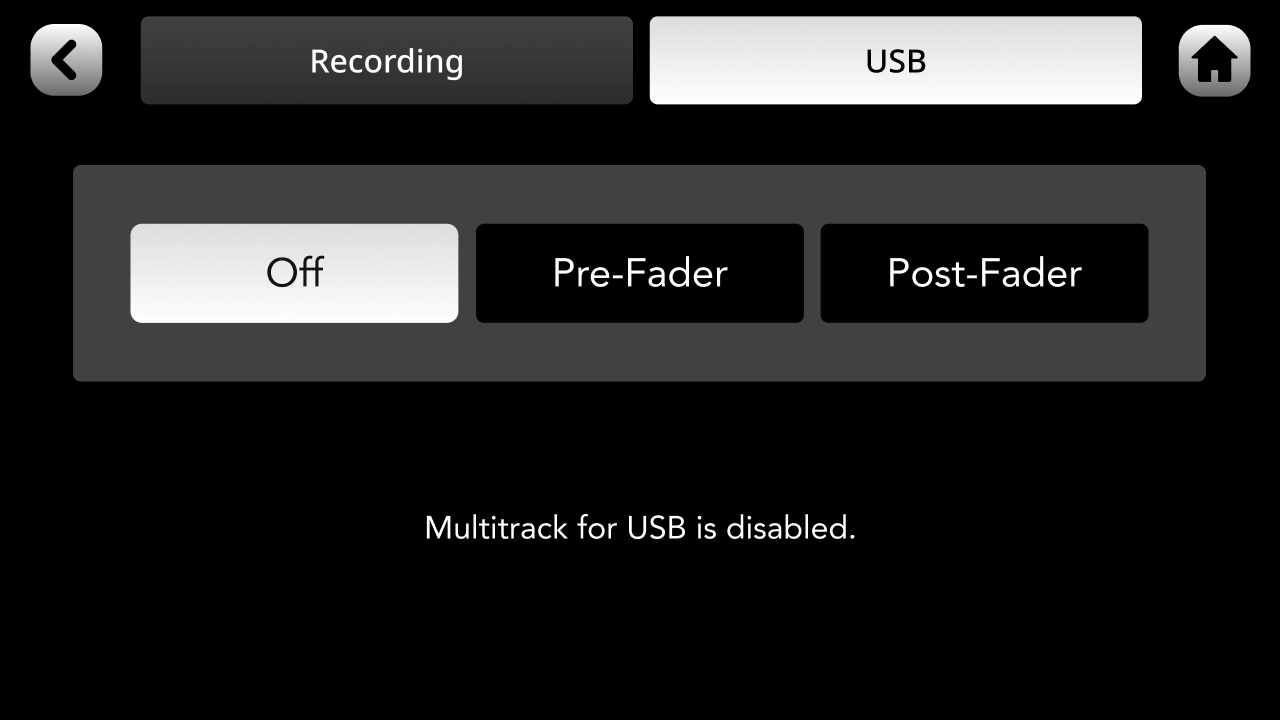
By default, ‘RØDECaster Pro II Main’ (USB 1) is configured to output the main stereo mix (all of your audio inputs mixed together). To activate multitrack recording via USB, go to settings then ‘Outputs’ > ‘Multitrack’ > ‘USB’ and deselect ‘Off’.
Pino Roots & The Midnite Blues © 2026 | Music Lab Learning & Self-Study Archive!


Comentarios
Publicar un comentario