RODE Caster Pro II Using the Mute Buttons
Using the Mute Buttons
The red button under each of the RØDECaster Pro II's physical faders is a mute button. This will simply mute that channel on the output.
You can also access a mute button for the three virtual channels by tapping the level meter then tapping the mute icon, or by pressing and holding the rotary encoder when a channel is selected.
When a channel is muted, the button and fader on the virtual mixer will be illuminated red.
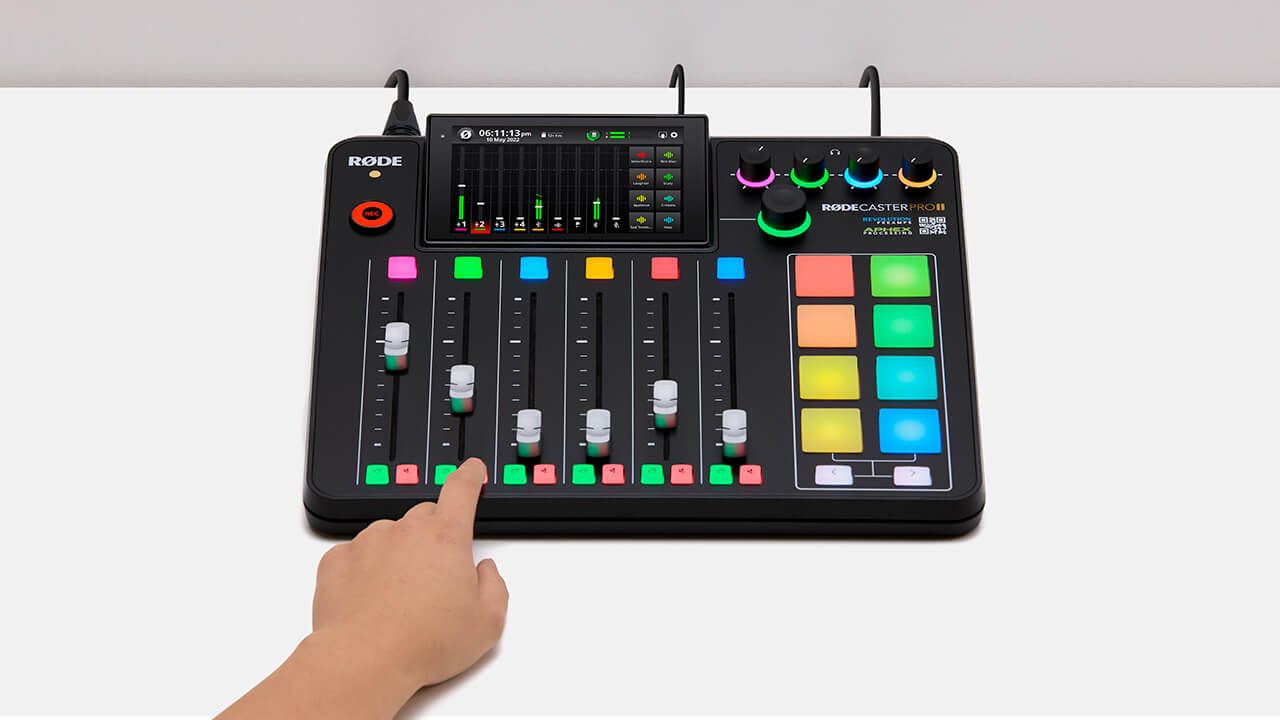
The red button under each of the RØDECaster Pro II's physical faders is a mute button. This will simply mute that channel on the output.
You can also access a mute button for the three virtual channels by tapping the level meter then tapping the mute icon, or by pressing and holding the rotary encoder when a channel is selected.
When a channel is muted, the button and fader on the virtual mixer will be illuminated red.
Pino Roots & The Midnite Blues © 2026 | Music Lab Learning & Self-Study Archive!


Comentarios
Publicar un comentario