RODE Caster Pro II Using the ‘REC’ Button to Start Recording in Your DAW
Using the ‘REC’ Button to Start Recording in Your DAW
It is possible to use MIDI to control your DAW from the RØDECaster Pro II.
For example, you can map the ‘REC’ button to the record function in your DAW, so you can start your DAW recording directly from your unit. How you do this will depend on your DAW. By default, the ‘REC’ button sends the MIDI CC#17 on MIDI channel 1 with a value of 1 for ‘On’, and 0 for ‘Off’.
If your DAW supports MIDI control, you can map this value to the record function on your DAW via the ‘RØDECaster Pro MIDI’ device that is available on USB 1.
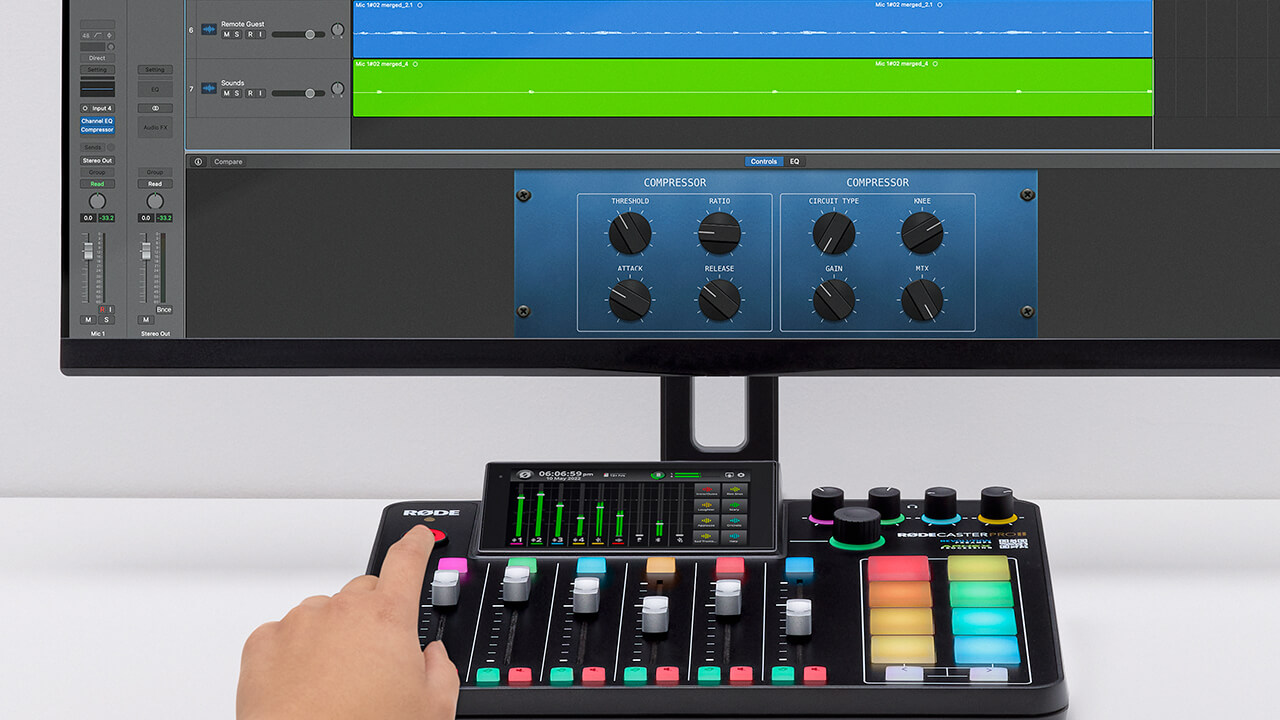
It is possible to use MIDI to control your DAW from the RØDECaster Pro II.
For example, you can map the ‘REC’ button to the record function in your DAW, so you can start your DAW recording directly from your unit. How you do this will depend on your DAW. By default, the ‘REC’ button sends the MIDI CC#17 on MIDI channel 1 with a value of 1 for ‘On’, and 0 for ‘Off’.
If your DAW supports MIDI control, you can map this value to the record function on your DAW via the ‘RØDECaster Pro MIDI’ device that is available on USB 1.
Pino Roots & The Midnite Blues © 2026 | Music Lab Learning & Self-Study Archive!


Comentarios
Publicar un comentario